


Download Tap Emoji Keyboard – emoji keyboard, custom keyboard, fun keyboard, emoji app, text input, mobile typing, expressive texting, emoji stickers, keyboard skins, predictive text, language support, mobile utility
Overview
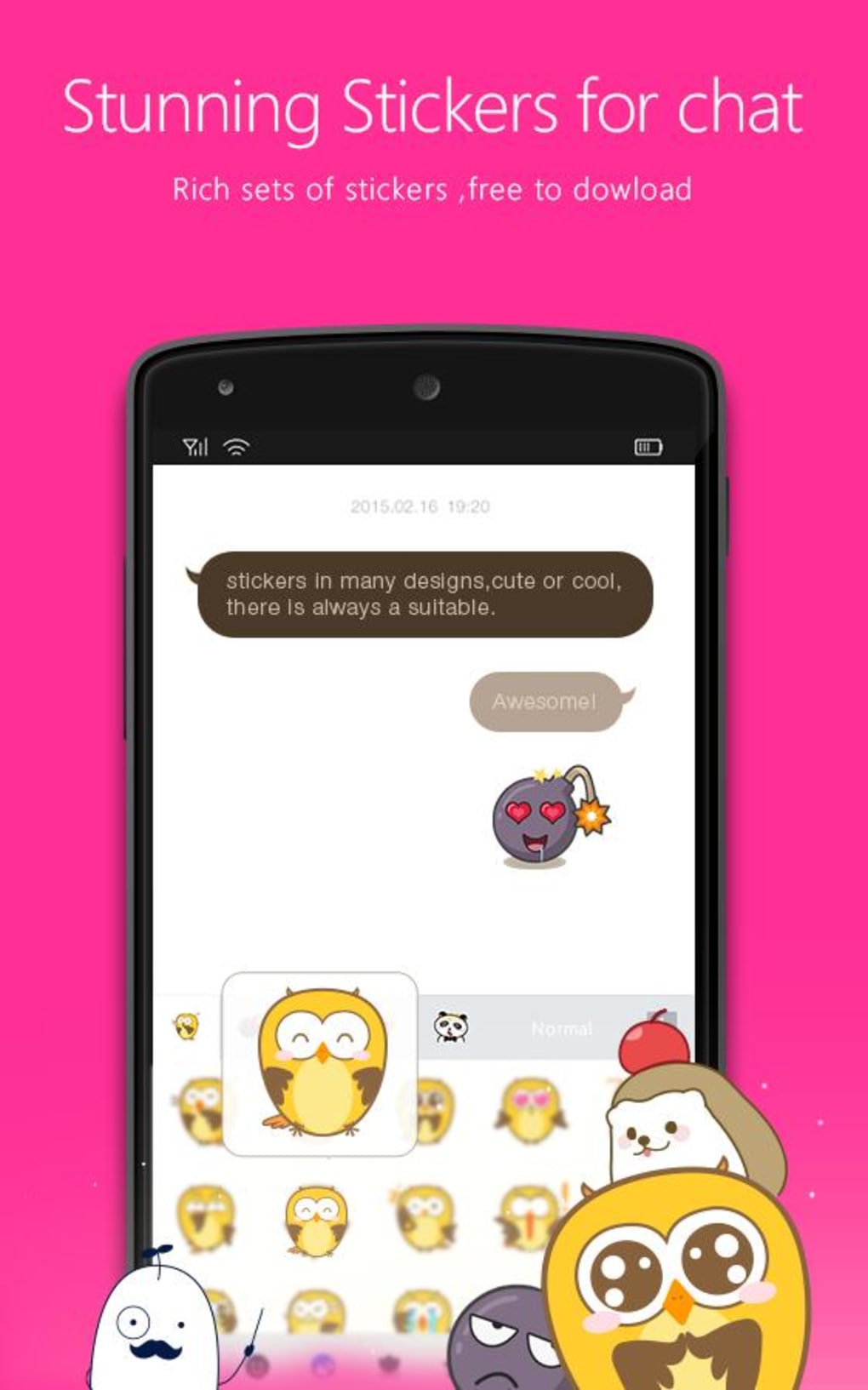
Tap Emoji Keyboard is a customizable mobile keyboard application designed to enhance the digital communication experience through expressive and intuitive text input. Built for users who value personalization and creativity in their messaging, the app expands the standard emoji library with over 400 icons, including large emoticons, unique combinations, and exclusive stickers. It addresses the common limitation of default keyboards by offering a richer visual vocabulary for digital expression. The software is particularly well-suited for casual users, social media enthusiasts, and anyone seeking to make their texts more engaging and fun.
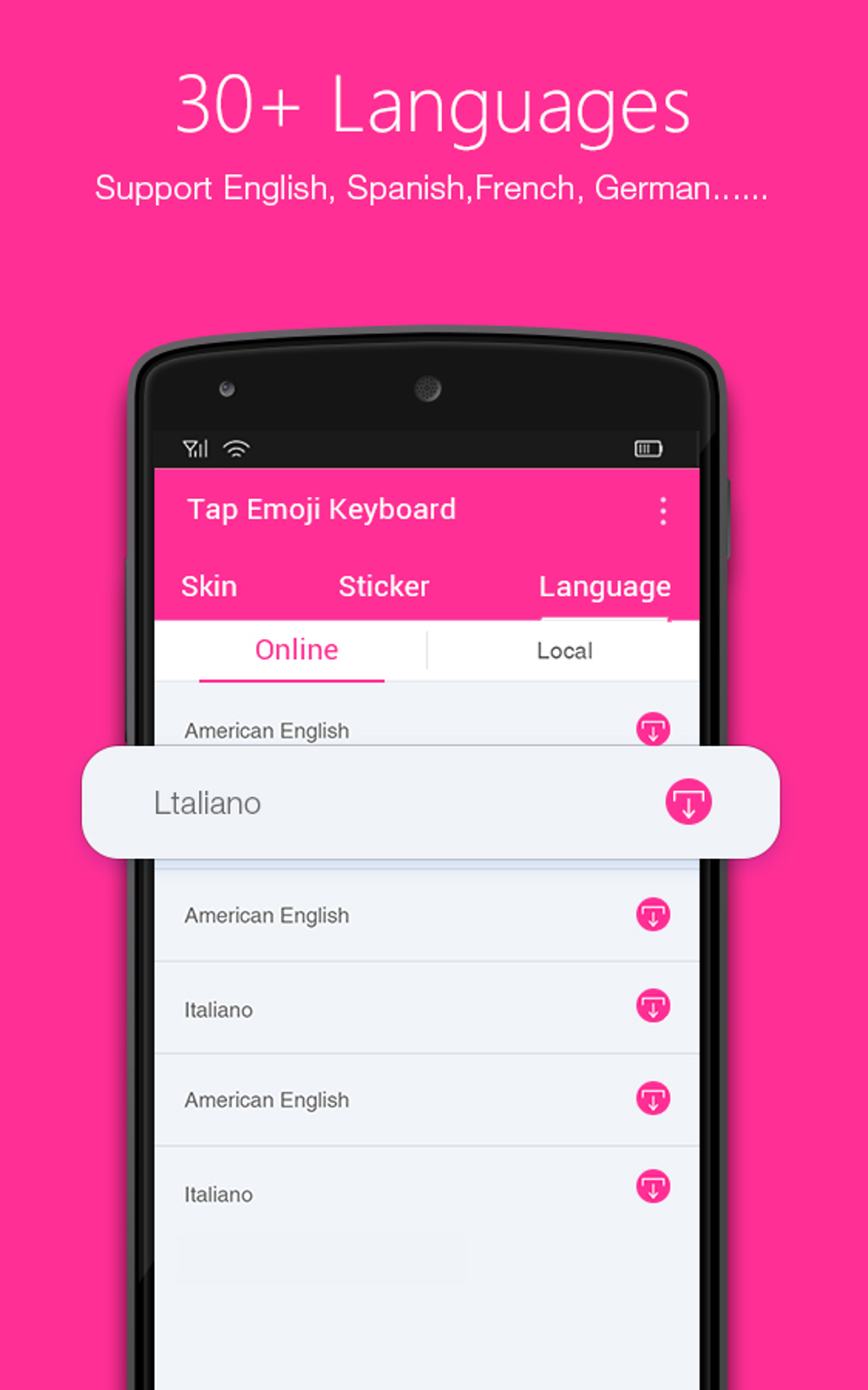
Designed with a focus on adaptability, Tap Emoji Keyboard supports 30+ languages, making it accessible across diverse linguistic communities. Its intelligent predictive text system learns from user behavior across various platforms, such as social media and messaging apps, to improve typing efficiency over time. While the developer is listed as Tap Emoji Keyboard, no additional details about the company or development background were provided. Real-world usage scenarios include daily texting, social media interactions, and creative content creation where visual language plays a key role.
Key Features & Capabilities
- Expanded Emoji Library: Access to over 400 emoji icons, including large-size emoticons and exclusive stickers, ensuring users can find the perfect expression for every message.
- Custom Keyboard Skins: A wide selection of skins and color schemes allows users to personalize the keyboard’s appearance, matching their device’s theme or personal style.
- Adaptive Predictive Text: The keyboard learns typing habits across platforms like Facebook and Twitter, refining suggestions based on user behavior for faster, more accurate input.
- Adjustable Layout & Size: Users can customize the keyboard’s layout and resize it to fit their screen preferences, improving usability on different device sizes.
- Multi-Language Support: With support for 30+ languages, the app caters to a global audience and enables seamless typing in multiple languages without switching keyboards.
These features collectively enhance both the aesthetic and functional aspects of mobile typing. For example, a user writing a playful message on Instagram can quickly access a unique sticker, while a multilingual user can switch between languages without interruption. The ability to re-skin the keyboard also adds a layer of personal identity to the typing experience, transforming a utility tool into a customizable expression platform.
User Interface, Workflow & Performance
The user interface of Tap Emoji Keyboard is designed with a bold, visually engaging layout that prioritizes accessibility and ease of use. The keyboard’s structure is intuitive, with emoji categories clearly organized for quick navigation. Users can access stickers, skins, and settings through a streamlined menu system, reducing the need for multiple taps to reach desired functions.
Workflow efficiency is enhanced by the adaptive predictive text engine, which learns from typing patterns across different apps. This reduces the need for manual corrections and speeds up message composition. The keyboard’s responsiveness appears consistent with standard mobile keyboard behavior, though exact performance metrics such as CPU or RAM usage were not specified by the developer.
Stability is expected to be reliable for a free app of this nature, though user reports on long-term performance were not included in the provided information. The developer did not provide additional system requirements or details on background processes. General observations suggest the app functions smoothly within typical mobile environments, with minimal lag during regular use.
Compatibility & System Requirements
Tap Emoji Keyboard is compatible with Android and iOS operating systems, supporting a wide range of mobile devices. The app has a file size of 45 MB, indicating a lightweight installation that should not significantly impact device storage. The software version is listed as 1.2.3, suggesting ongoing development and updates.
Exact system requirements were not listed, including minimum RAM, processor speed, or storage space. Compatibility information is limited to the operating systems and version number. The developer did not specify whether the app supports older device models or low-end hardware. Users are advised to verify compatibility with their specific device before installation.
Pros and Cons
Pros
- Over 400 unique emoji and exclusive stickers for expressive communication
- Extensive keyboard skin and color scheme customization
- Support for 30+ languages enhances global accessibility
- Adaptive predictive text improves typing accuracy over time
- Adjustable layout and resize options for personalized use
- Free to download and use with minimal in-app advertising
Cons
- Advertising is present, though described as minimal
- Exact system requirements and performance data were not provided
- Compatibility with older or low-end devices is not confirmed
- Full functionality may depend on device-specific permissions
- Some users may find the bold design visually overwhelming
FAQ Section
Is Tap Emoji Keyboard available for both Android and iOS?
Yes, the app is compatible with both Android and iOS operating systems.
Is the app free to use?
Yes, Tap Emoji Keyboard is available at no cost. Some features may include limited in-app advertising.
Can I use the keyboard offline?
Yes, the core keyboard functions, including emoji input and predictive text, can be used without an internet connection.
How often are updates released?
Updates are released periodically, with the latest version being 1.2.3 as of the release date on March 15, 2024.
What type of license does Tap Emoji Keyboard use?
The app operates under a free-to-use license, with no subscription or premium tier currently specified.
Final Thoughts + CTA
Tap Emoji Keyboard stands out as a standout choice among free mobile keyboard apps, combining expressive functionality with thoughtful customization. Its expansive emoji library, adaptive intelligence, and rich skin options make it ideal for users who want to personalize their messaging experience. While the presence of advertising is a minor trade-off, it is balanced by the app’s robust feature set and ease of use.
Whether you're a social media user, a frequent texter, or someone who values creative expression in digital communication, Tap Emoji Keyboard delivers real value. Its multi-language support and adjustable interface ensure broad usability across different devices and user preferences. For those seeking a fun, functional, and free keyboard solution, this app is a compelling option.
Download Tap Emoji Keyboard now





.png)

